

INCIDENT & NEAR MISS REPORTING
Incident Reporting Software for Enhanced Workplace Safety
Papertrail gives your team one place to log an incident or near miss, a checklist built to capture what actually happened, and a task to track the corrective action through to close-out. Categorise by type as you go, so if the same kind of incident happens again, you can see the pattern rather than discover it by chance. Every record stays available for the next audit.
No credit card required.


The inspections get done. Proving they were done is the part that costs you.
Every incident, from first report to close-out, in one place
A near miss reported verbally
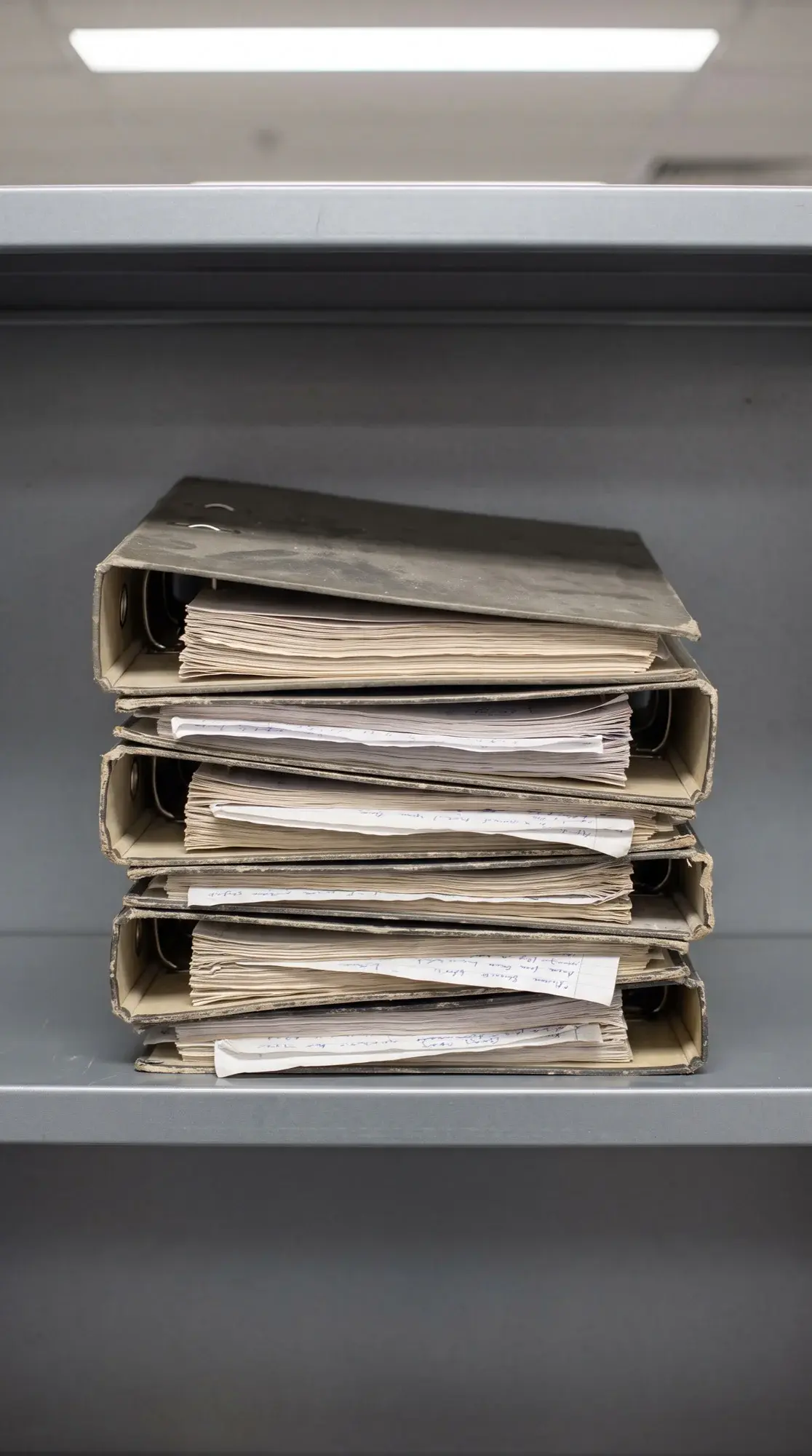
An investigation tracked in someone's inbox
A follow-up action nobody's sure got done






 Papertrail.io
 Paper
Everything you need to close the loop on an incident
Checklist Editor
Build a custom checklist with the Checklist Editor on Expert and Enterprise, so every incident and near miss is captured the same way: structured data, ready for analysis and follow-up.
Tag Manager
Categorise incidents by type (slip, trip, burn) and group them for reporting, so you can spot a trend or a repeat pattern.
Analytics
See recurring incidents by area or time of day, and fix the root cause before it happens again.
Schedule Manager
Set a review date and an investigation deadline for every incident, with an alert before either one is overdue.
Task Manager
Turn a corrective action from an incident investigation into an assigned task with the Task Manager add-on, tracked through to close-out.
Access Permissions
Set permissions for any folder, including one used for incident records, on a person-by-person basis.
Checklist Editor
Build a custom checklist with the Checklist Editor on Expert and Enterprise, so every incident and near miss is captured the same way: structured data, ready for analysis and follow-up.
Tag Manager
Categorise incidents by type (slip, trip, burn) and group them for reporting, so you can spot a trend or a repeat pattern.
Analytics
See recurring incidents by area or time of day, and fix the root cause before it happens again.
Schedule Manager
Set a review date and an investigation deadline for every incident, with an alert before either one is overdue.
Task Manager
Turn a corrective action from an incident investigation into an assigned task with the Task Manager add-on, tracked through to close-out.
Access Permissions
Set permissions for any folder, including one used for incident records, on a person-by-person basis.
1 of 6
Checklist Editor
Inspect
Use manufacturer-approved checklists for any equipment type, from lifting gear to PPE inspection records. Build your own with the Checklist Editor on Expert and Enterprise.
Share an incident record once, and every update after stays automatic
PartnerHub connects your account to the organisations you work with, so they see the records you share, and every update to them, in their own workspace.
Invite
Invite a client, an insurer or another part of your organisation into a PartnerHub partnership, to share incident records with them directly
See
They see it in their own workspace, with the full investigation history, not a PDF forwarded after the fact
Updates
Every new activity, from the initial report to the corrective action's close-out, appears on their side without you resending anything
Withdraw
Withdraw access at any time: they keep a read-only copy of the record as it stood, with no further updates
- ISO 27001, British Assessment Bureau (opens cvs.babcert.com)
- LEEA Associate Member
- IRATA International Associate Member
- GetApp Category Leaders 2025, GetApp User Reviews 4.7
- Capterra Shortlist 2025, Capterra 4.7 (opens www.capterra.co.uk)
- Software Advice Front Runners 2025, Software Advice 4.7








Frequently asked questions
Will my team actually use it?
Papertrail is built around the inspection your team already does: scan a tag, work through the checklist, save. RWE's technicians are working in it after a half-hour session, and Hogan Group runs it across a team aged 18 to 79 on minimal training. When questions come up, our support team's average first response time is under 8 minutes.
How does data protection work with incident reporting?
Incident records are covered by Papertrail's ISO 27001 certification, the international standard for information security management.
Can I set permissions for certain incident reporting folders or documents?
Yes. Permissions for any folder, including one used for incident records, can be set on a person-by-person basis: an admin decides who can view, add to or edit what's in it.
Can anyone edit the checklists we create?
No. Only administrators can edit a checklist once it exists, so an investigation checklist can't be unintentionally altered by someone without that permission.
Can incident reports be shared automatically with company stakeholders?
Yes. Set up a PartnerHub partnership and share the record once with a client, insurer or another part of your organisation, and every update after that, from the initial report to the corrective action's close-out, appears in their workspace automatically, with nothing to resend.
See an incident from first report to close-out
Book a demo and we'll walk through your own reporting workflow, or start for free and log your first incident.
26 million inspections recorded· No obligation.
Last reviewed on . MJB.