

INSPECTION MANAGEMENT
Every inspection, every piece of equipment, in one record
Add equipment from a directory of 120+ manufacturers, or scan it in, with no retyping. Every record holds its inspection history, its certificates and who signed off on it, so when a client or auditor asks for proof, it's already there. One module scales from a handful of items to your whole inventory, without changing how your team works.
No credit card required.


Trusted by






26M+ inspections, recorded by







Trusted by
The inspections get done. Proving they were done is the part that costs you.
Every certificate generated from the inspection, with the sign-off on record
Retyping the same inspection into a certificate template, field by field, instead of generating it straight from the record.
One spreadsheet for schedules, another for history, a folder of PDFs for certificates: three places to check before you can answer one question.
An auditor asks who signed off an inspection, and when, and there's no single place that answers it.



 Papertrail.io
 Paper
Schedule, inspect and certify from one record
Schedule Manager
Set inspection frequencies per item, from daily pre-use to annual thorough examination, with alerts before anything falls due. Lock a schedule to approved users, and anyone else inspecting that item won't see it as an option.
Checklist Editor
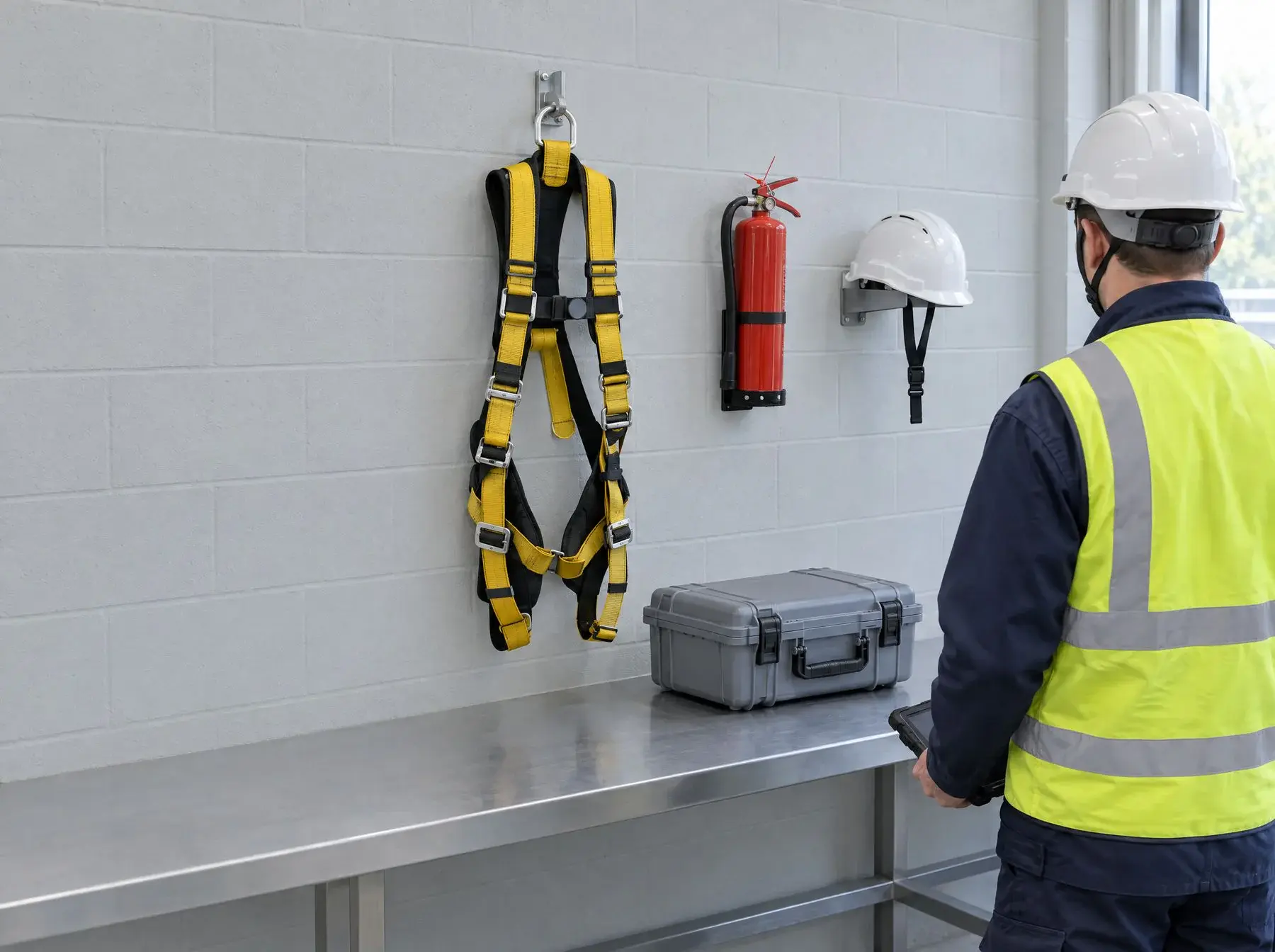
Use manufacturer-approved checklists out of the box, or build your own with the Checklist Editor on Expert and Enterprise. Add logic so a failed check automatically updates the equipment's status, raises a corrective action and notifies the right people.
Scanning (NFC, RFID, QR & Barcode)
Tag equipment your way: scan it on site and its full history is in your hand, even offline once the record's been cached.
Analytics
See inspection outcomes and open tasks across every site in one report, so a problem at one location doesn't stay hidden.
Schedule Manager
Set inspection frequencies per item, from daily pre-use to annual thorough examination, with alerts before anything falls due. Lock a schedule to approved users, and anyone else inspecting that item won't see it as an option.
Checklist Editor
Use manufacturer-approved checklists out of the box, or build your own with the Checklist Editor on Expert and Enterprise. Add logic so a failed check automatically updates the equipment's status, raises a corrective action and notifies the right people.
Scanning (NFC, RFID, QR & Barcode)
Tag equipment your way: scan it on site and its full history is in your hand, even offline once the record's been cached.
Analytics
See inspection outcomes and open tasks across every site in one report, so a problem at one location doesn't stay hidden.
1 of 4
Checklist Editor
Inspect
Use manufacturer-approved checklists for any equipment type, from lifting gear to PPE inspection records. Build your own with the Checklist Editor on Expert and Enterprise.
Every inspection on record, from wind farms to climbing walls

“I'm delighted with our recent LOLER Inspection. Using Papertrail with the addition of the NFC Tagging made the process of inspection quicker and more efficient.”
Claire Swannick
Logistics Coordinator, RWE Triton Knoll
How it fits together
PartnerHub connects your account to the organisations you work with, so they see the records you share, and every update to them, in their own workspace.
Every asset on record
Add equipment from the 120+ manufacturer directory, or scan it in directly.
Due work surfaces itself
Schedule Manager flags what's due, with alerts before anything's overdue.
Inspected on site, offline
Open the record once to cache it, then work through the checklist on mobile even without signal.
Certified and visible
The certificate's filed automatically, and the record can be shared with clients through PartnerHub.
One record. Shared, synced, always current.
PartnerHub connects your account to the organisations you work with, so they see the records you share, and every update to them, in their own workspace.
Invite
Invite any partner outside your account: a supplier, a client or an inspector
Sync
Shared records sync automatically, with no re-uploading
Badge
Every shared item carries a live PartnerHub badge, so everyone knows it's current
One place for every regulation you inspect against
Most teams inspect more than one kind of equipment, and each can fall under different rules: lifting equipment under LOLER, work equipment under PUWER, pressure systems under PSSR. Your competent person decides which apply and how often.
In Papertrail, they can build a checklist and schedule for each and apply them to the right records. Every inspection then lands on the equipment's own record, next to its history and certificates, so one system covers everything you're audited against.



- ISO 27001, British Assessment Bureau (opens cvs.babcert.com)
- LEEA Associate Member
- IRATA International Associate Member
- GetApp Category Leaders 2025, GetApp User Reviews 4.7
- Capterra Shortlist 2025, Capterra 4.7 (opens www.capterra.co.uk)
- Software Advice Front Runners 2025, Software Advice 4.7







Common questions
Will my team actually adopt it?
Papertrail is built around the inspection your team already does: scan a tag, work through the checklist, save. RWE's technicians are working in it after a half-hour session, and Hogan Group runs it across a team aged 18 to 79 on minimal training. When questions come up, our support team's average first response time is under 8 minutes.
Can you migrate us from spreadsheets or another system?
Our team handles the data migration for you, so your inventory is ready to work with rather than waiting on you to key it in. We set up your folder structure, frequencies and states with you first, and equipment added from the 120+ manufacturer directory arrives with its checklist and images already attached.
What's the alternative to spreadsheets for equipment inspections?
Spreadsheets are manual and error-prone: no reminders, no accountability, and one wrong cell breaks the audit trail. Papertrail replaces the tab with scheduled inspections, automatic reminders before anything's due, and an audit-ready record instead, without anyone chasing an out-of-date copy.
How do I track inspections to comply with LOLER, PUWER or other regulations?
LOLER regulation 9 requires a thorough examination of equipment that lifts people, and of lifting accessories, at least every 6 months, and of other lifting equipment at least every 12 months, unless an examination scheme sets different intervals. PUWER regulation 6 requires work equipment to be inspected at suitable intervals wherever deterioration could lead to a dangerous situation. Papertrail sets each schedule to the interval that applies, alerts you before it falls due, and keeps the completed checklist and certificate against the item. Your competent person decides which regulations apply to each piece of equipment.
How do I add equipment without typing everything in by hand?
Search the Product Directory for your equipment's manufacturer, one of 120+ we hold data for, and its checklist and details are added with it. Tag physical items with NFC, RFID, QR or a barcode, and scanning pulls up the record on site instead of you searching for it, even without signal if you've opened that record before.
Every inspection, in one place
Start for free and add your first equipment from the directory, or book a demo and we'll walk through it with your own records.
26 million inspections recorded· No obligation.
Last reviewed on . MJB.